How to sign up
Create your KUMANI account in a few minutes and activate it with the code you receive by email.
4 steps 3 min
- 1Step 1 of 4
Open KUMANI and tap “Get Started”
On the homepage, tap the gold “Get Started” button at the top right. If someone sent you their invite link, open it: their code is filled in automatically.

- 2Step 2 of 4
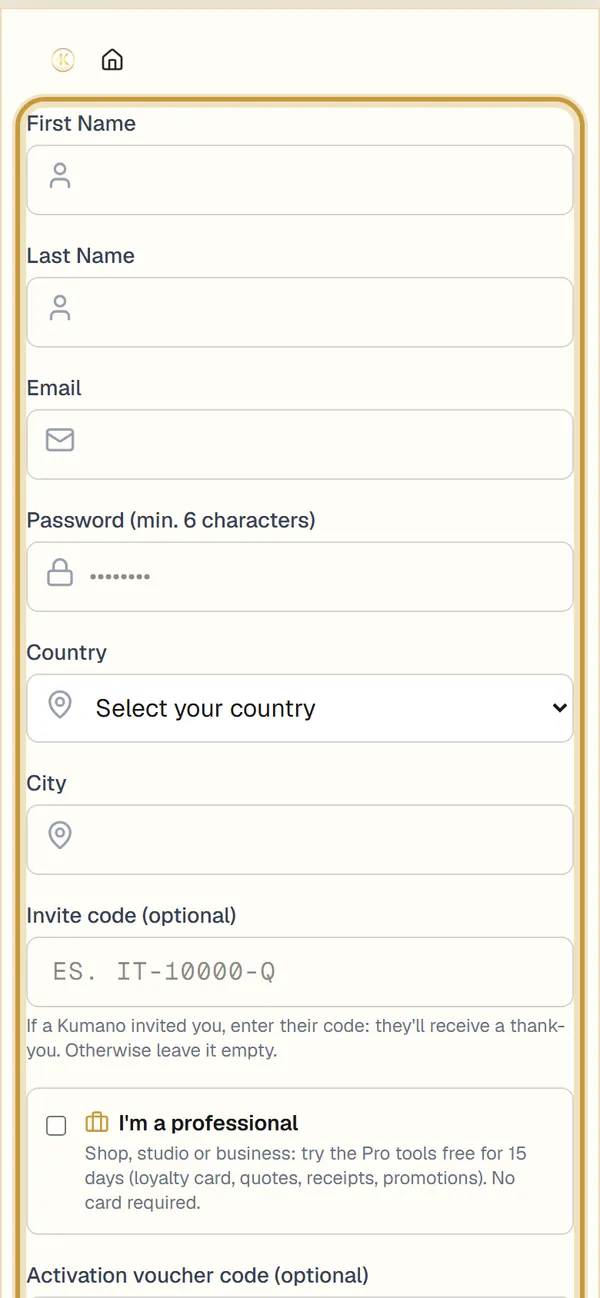
Fill in your details
Enter your first name, last name, email and a password of at least 6 characters, then choose your country and your city.
Tip: Use an email you check often: that’s where the code to activate your account arrives.
- 3Step 3 of 4
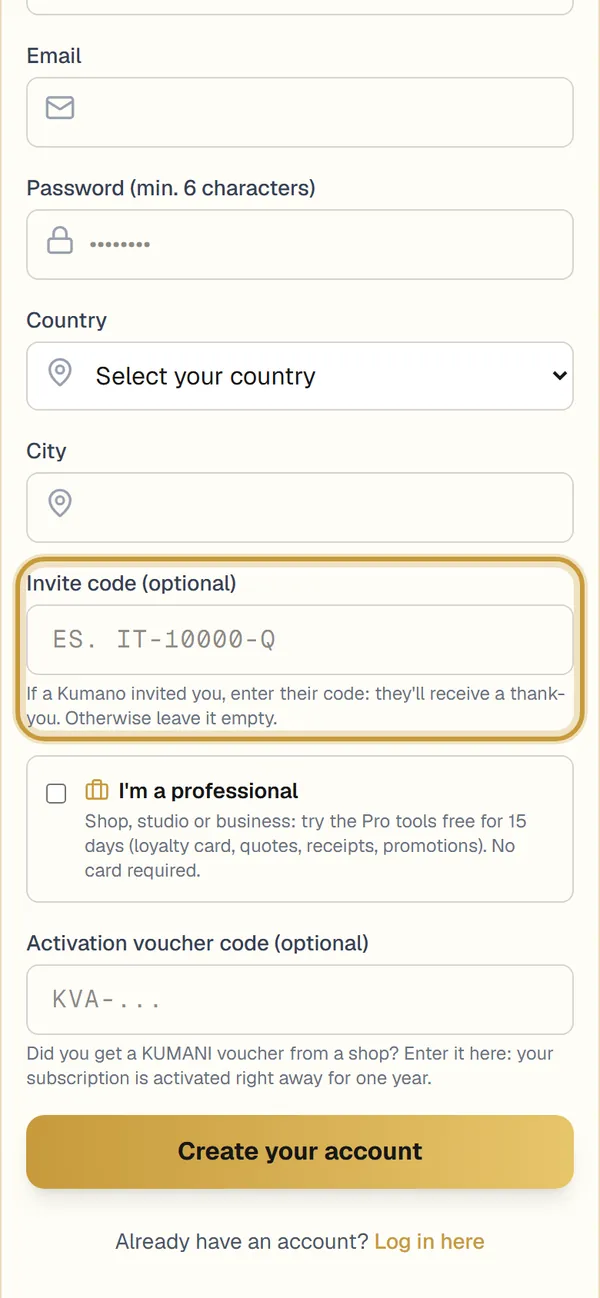
Invite code and voucher (optional)
If a Kumano invited you, enter their invite code. If you received a KUMANI voucher, enter it in the “Activation voucher code” field: your subscription is activated right away. If you have a shop, a practice or a business, tick “I’m a professional”. Then tap “Create your account”.
- 4Step 4 of 4
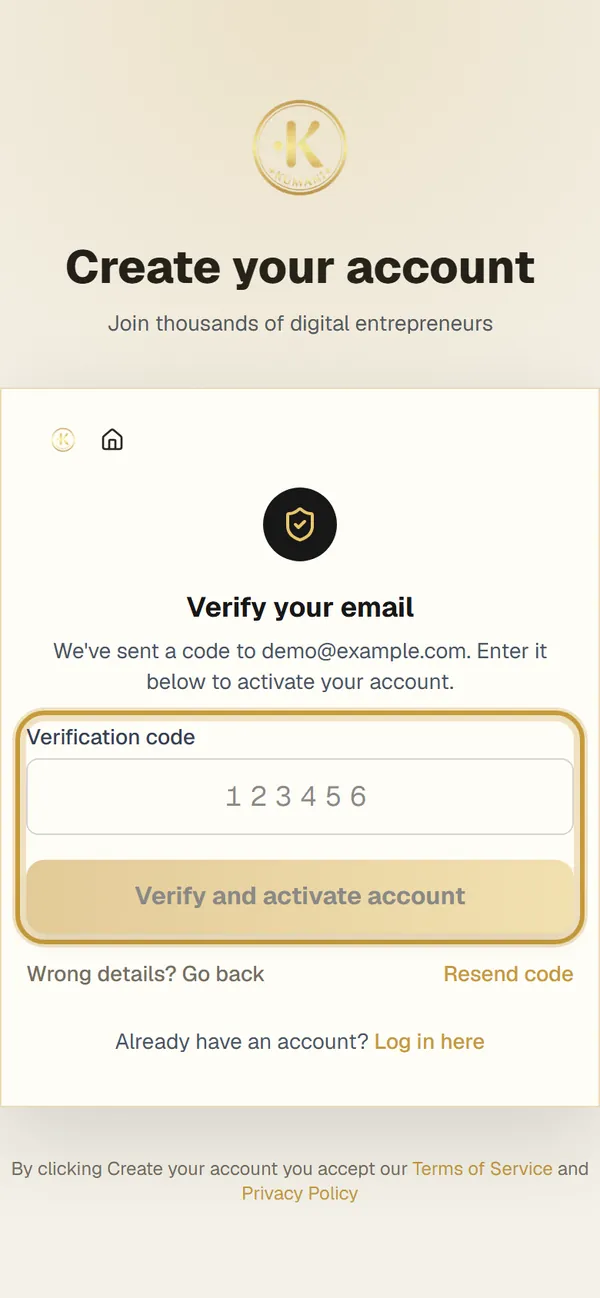
Verify your email
We send you a code by email. Enter it in the “Verification code” field and tap “Verify and activate account”. Done: you’re in!
Tip: Can’t find the email? Check your spam folder or tap “Resend code”.