How to log in
Get into your account and recover your password if you’ve forgotten it.
3 steps 2 min
- 1Step 1 of 3
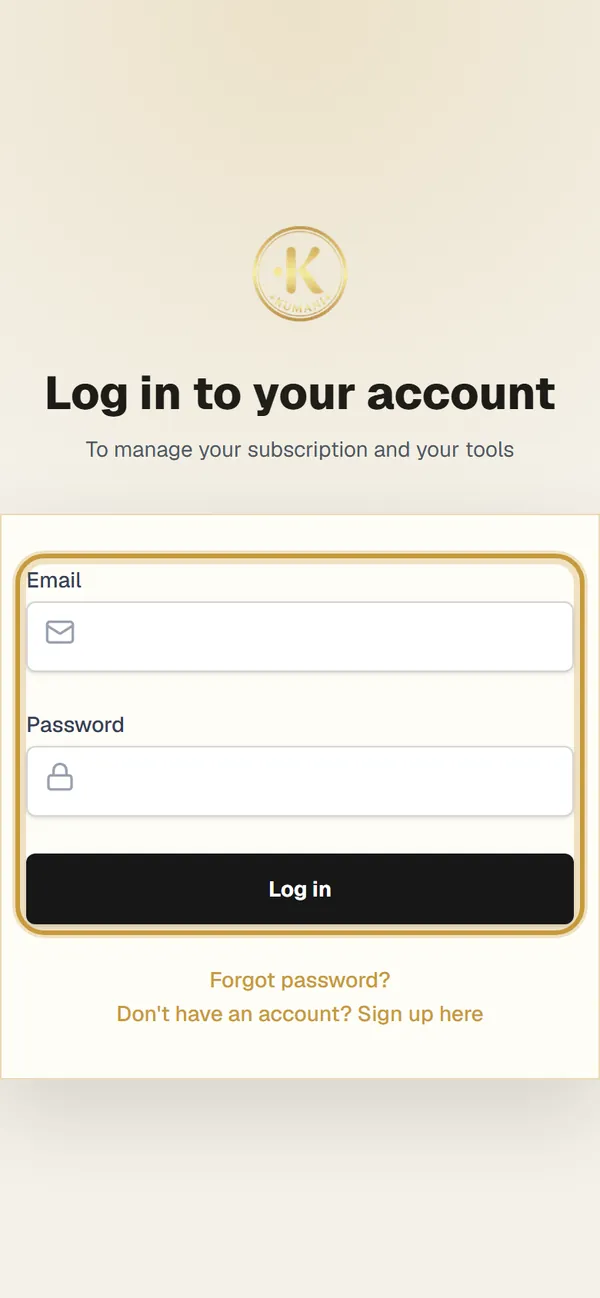
Enter email and password
On the homepage, tap “Log in”, enter the email and password you chose when you signed up and tap “Log in”.
- 2Step 2 of 3
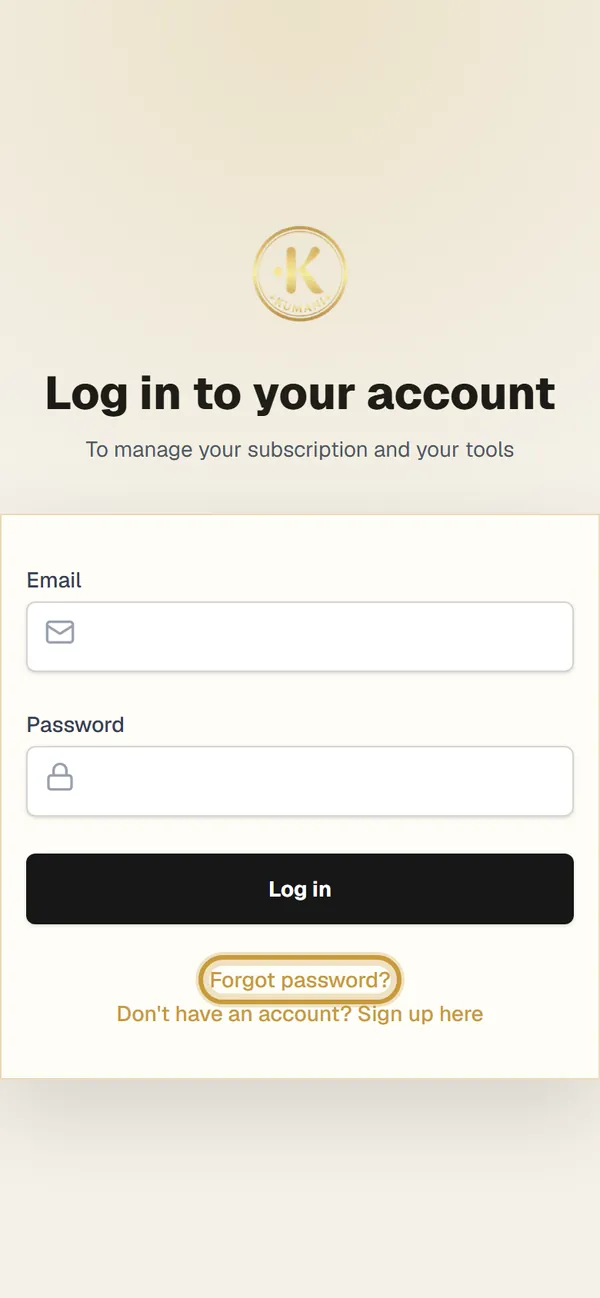
Forgot your password?
Tap “Forgot password?” below the login button.
- 3Step 3 of 3
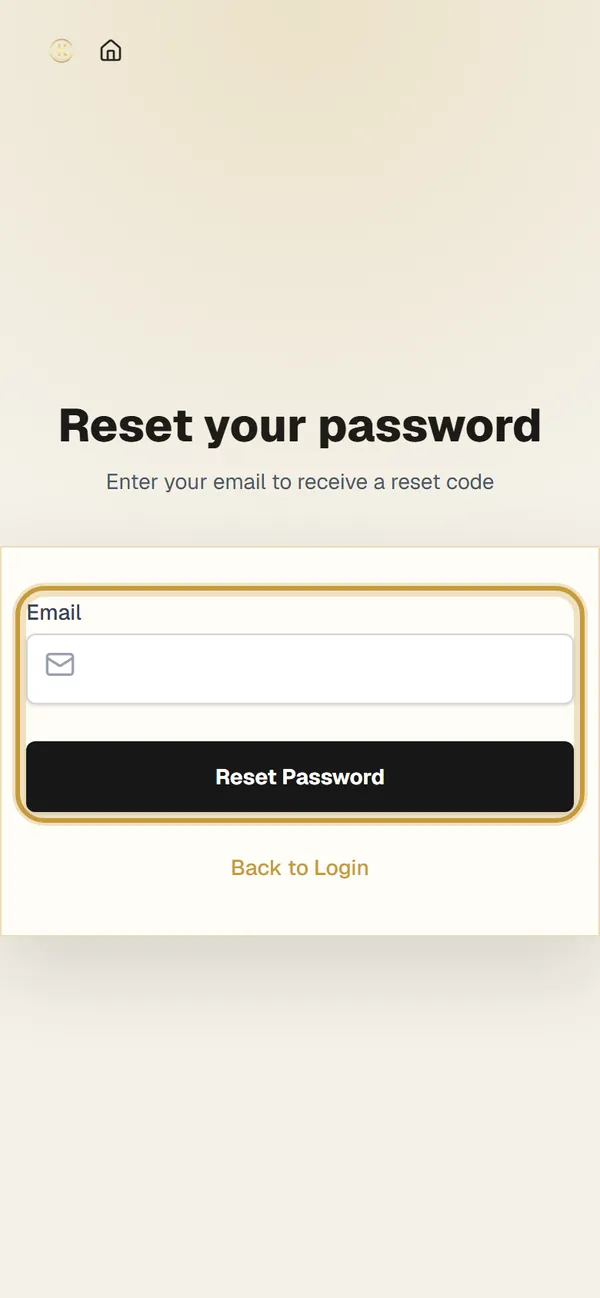
Reset your password
Enter your email and tap “Reset Password”: we send you a code to choose a new one. Then log in with the new password.
Tip: You can add KUMANI to your phone’s Home screen: it opens like an app.